

Step 1
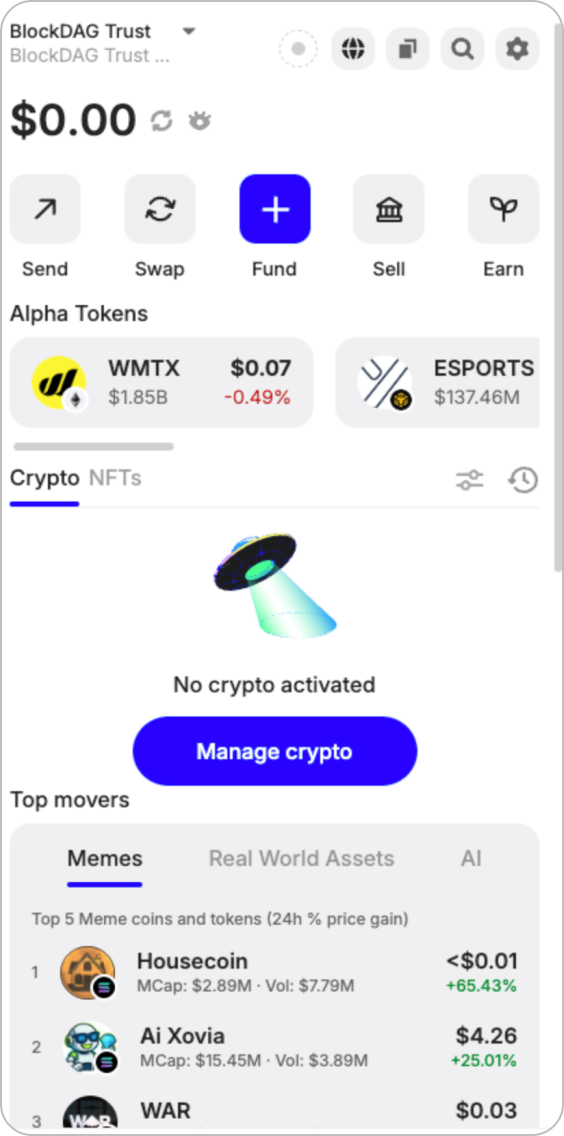
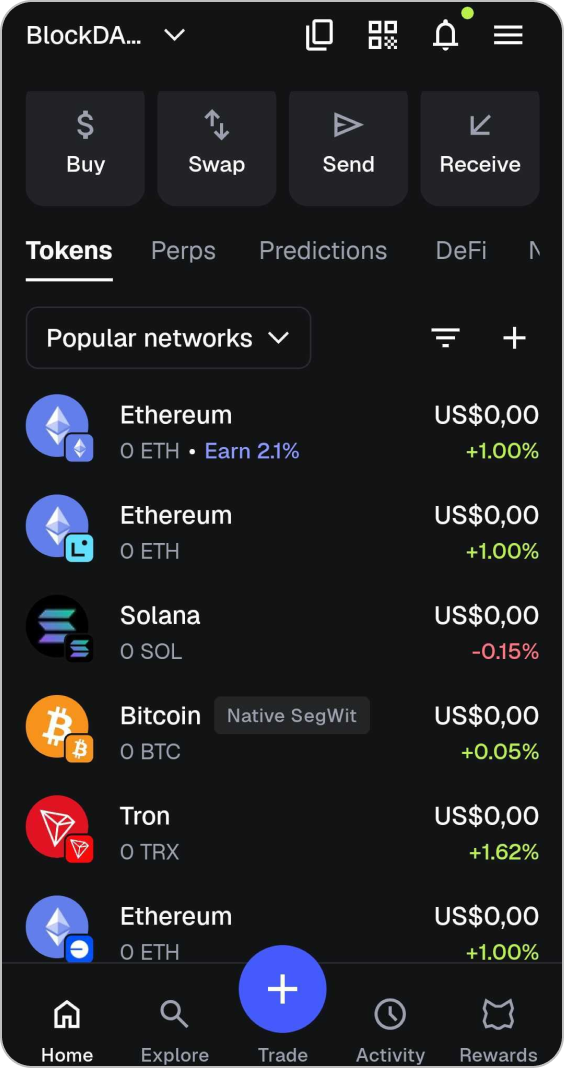
Open Metamask:
Click on the "Popular Network" dropdown on the Metamask homepage.
Step 2
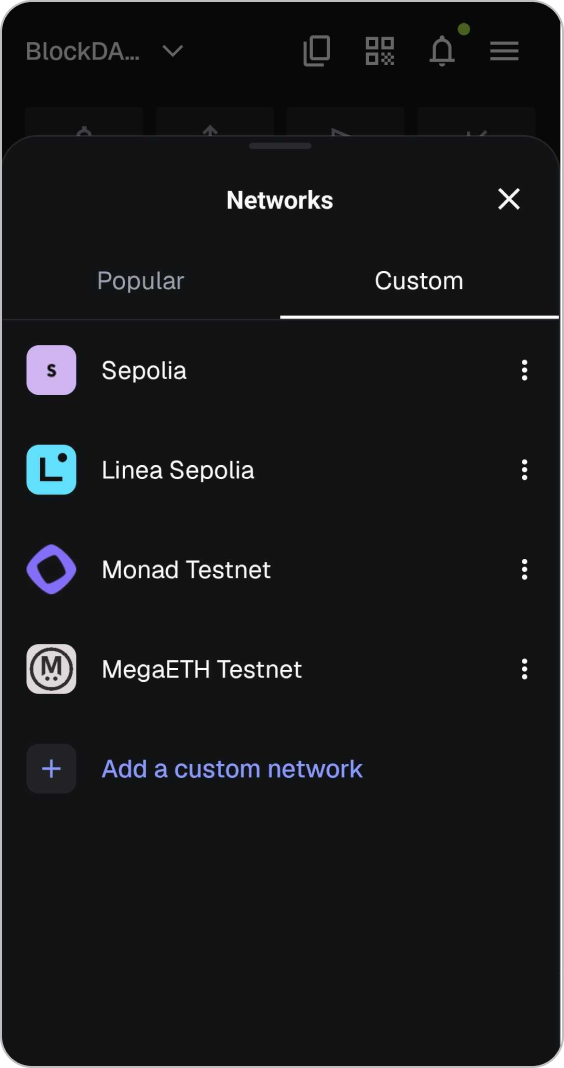
Add Custom Network
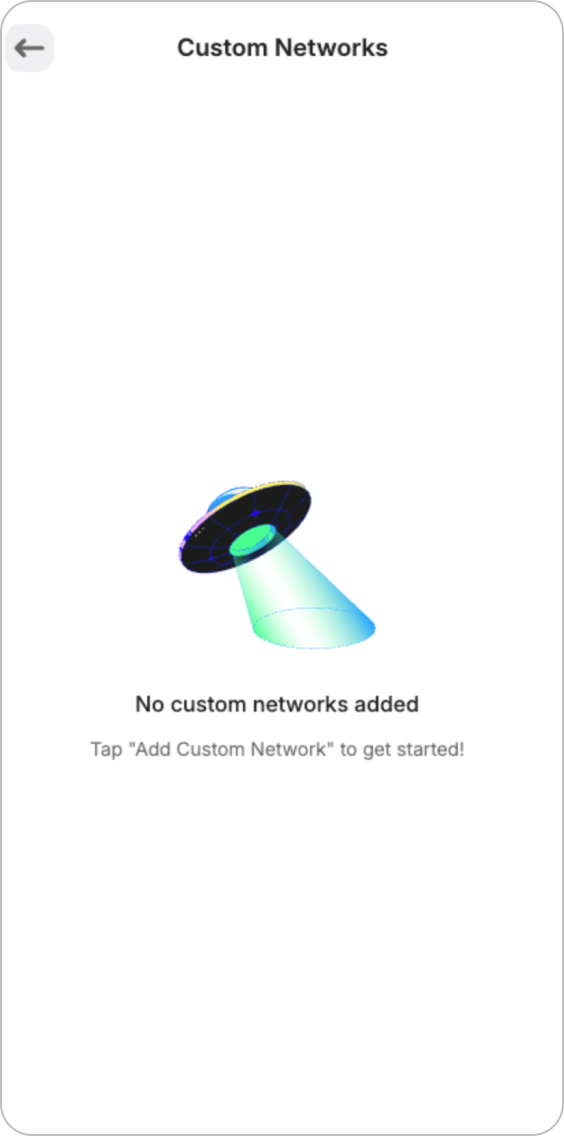
Go to the "Custom" tab at the top and click "Add a custom network".
Step 3
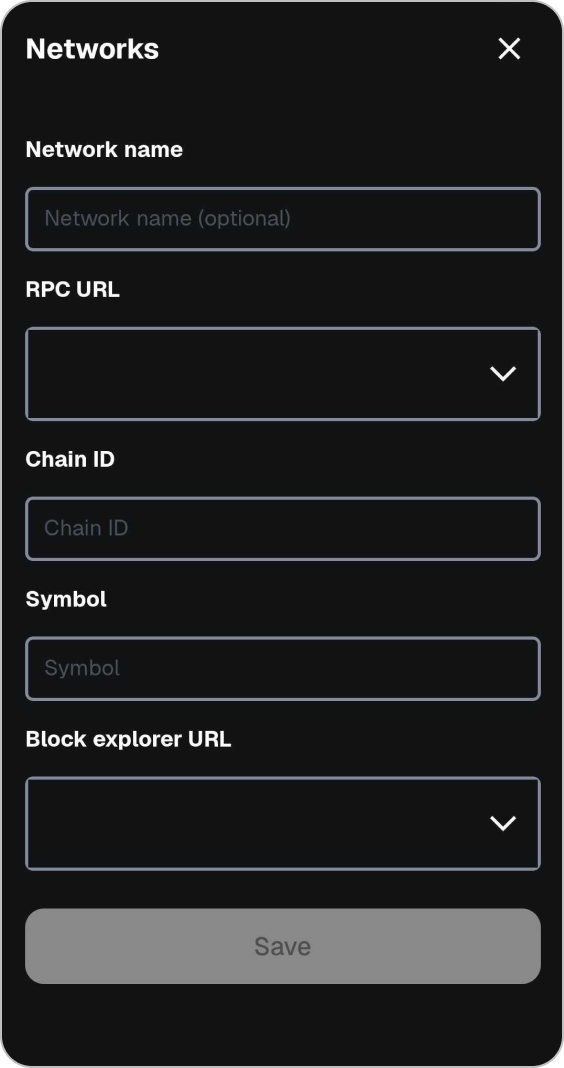
Load BlockDAG network name
Insert the BlockDAG network name "BlockDAG Mainnet" into the field provided.
Step 4
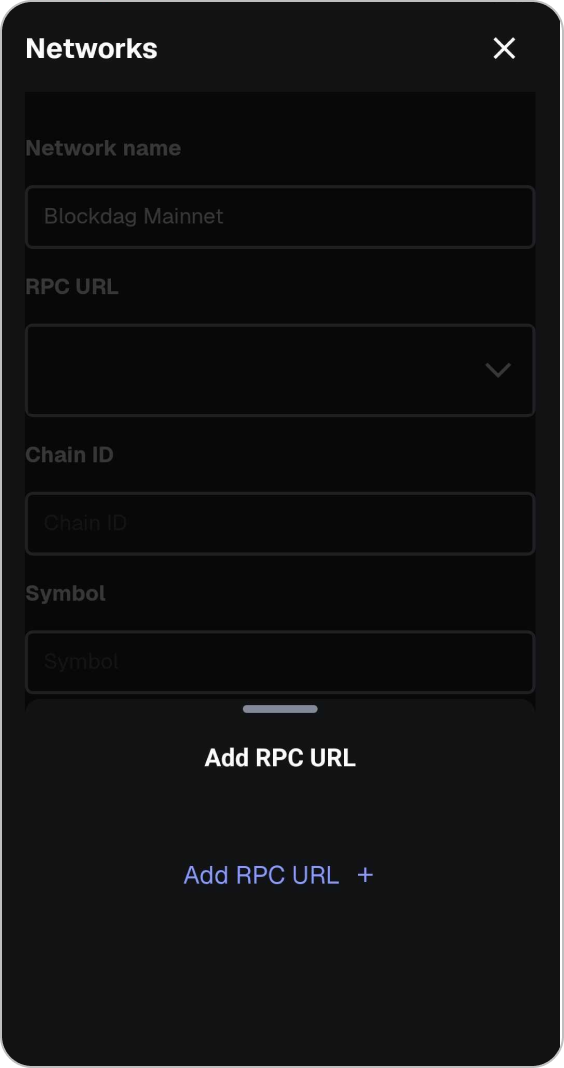
Add RPC URL
Click on the RPC field then click "Add RPC URL +".
Step 5
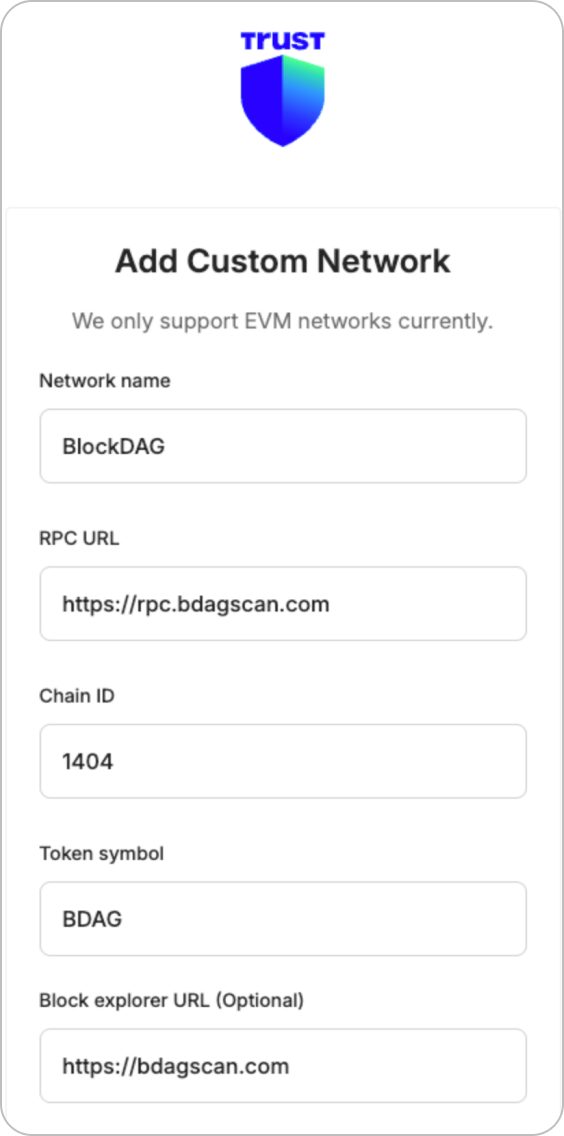
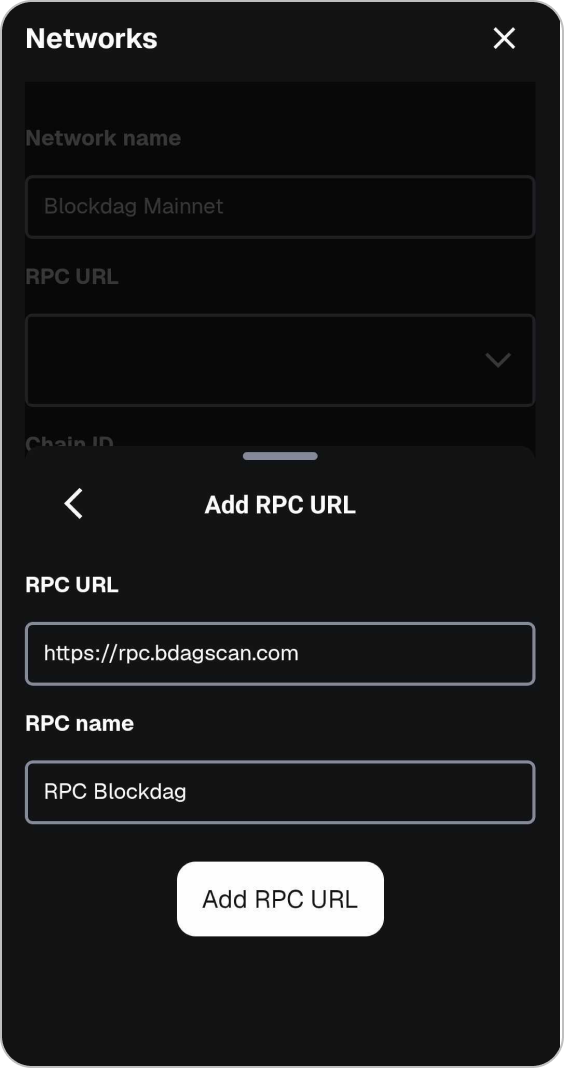
Enter RPC URL Details
Enter the following details:
- RPC URL: https://rpc.bdagscan.com
- RPC name: RPC Blockdag
Proceed by clicking "Add RPC URL".
Step 6
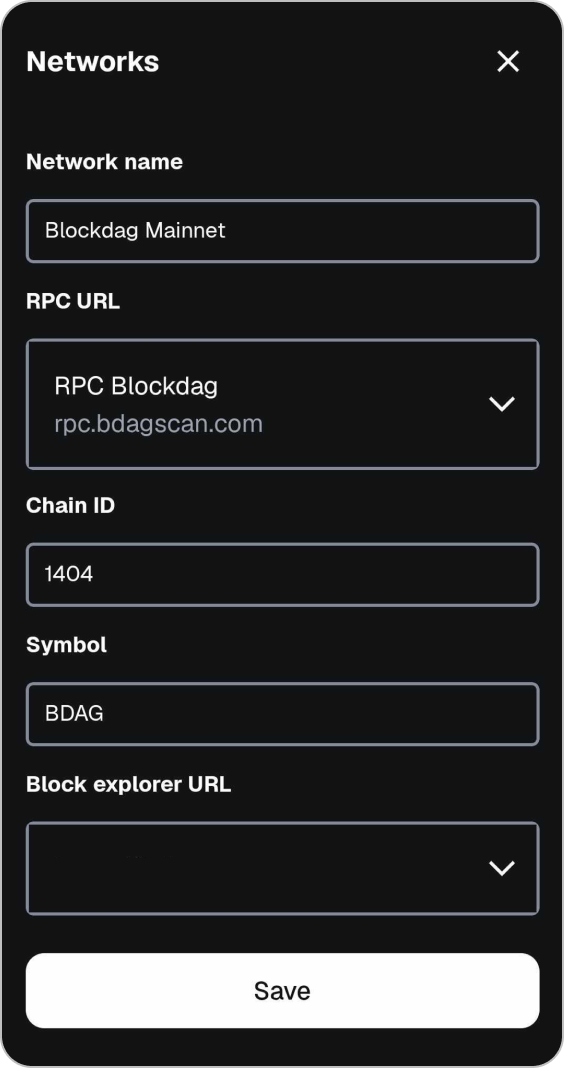
Chain ID & Symbol Details
Enter the net Chain ID and Symbol.
- Chain ID: 1404
- Symbol: BDAG
Step 7
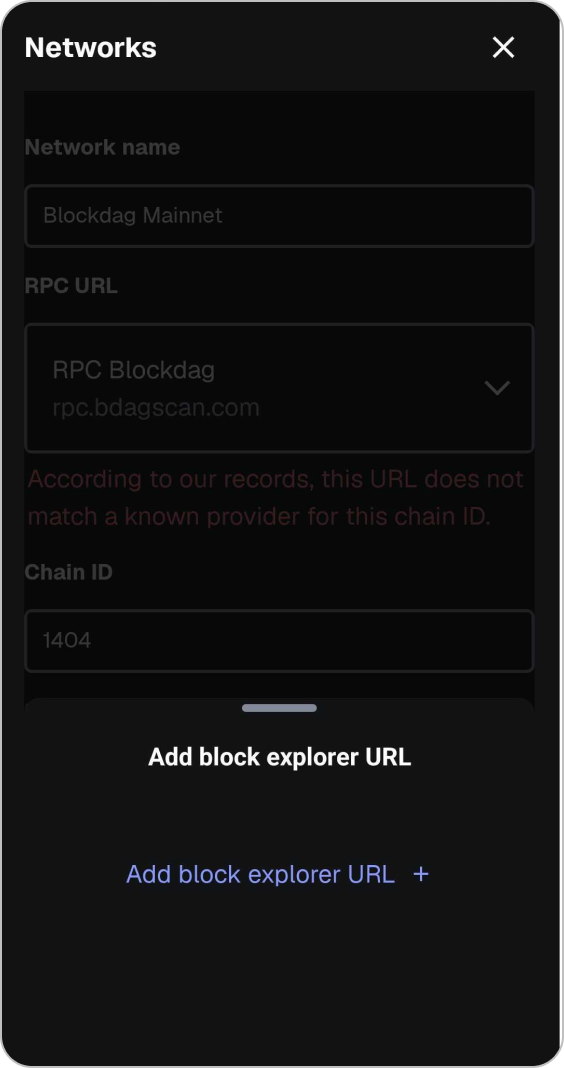
Add Explorer URL
Click "Add Block Explorer URL +".
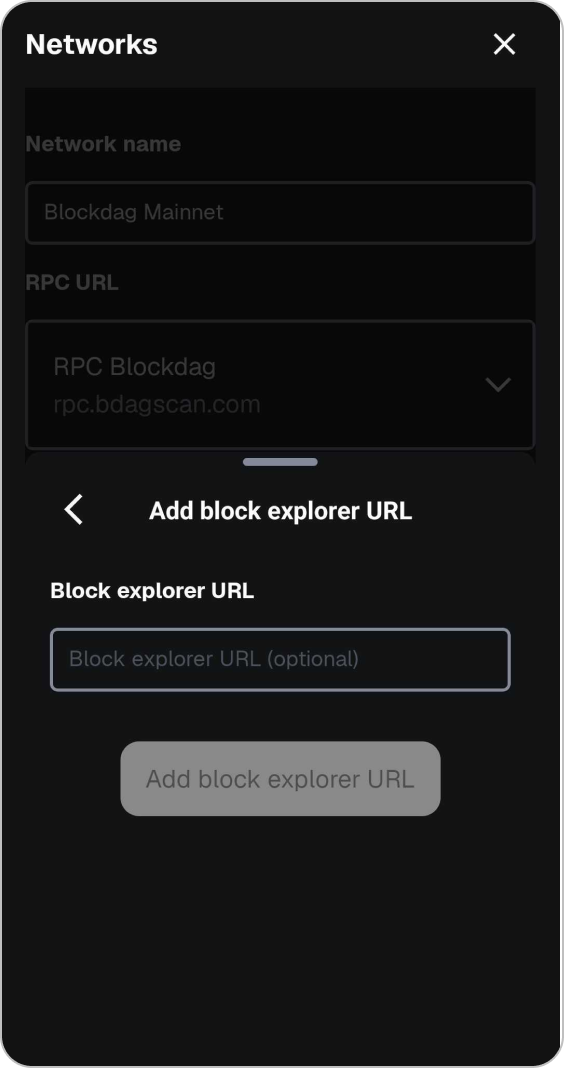
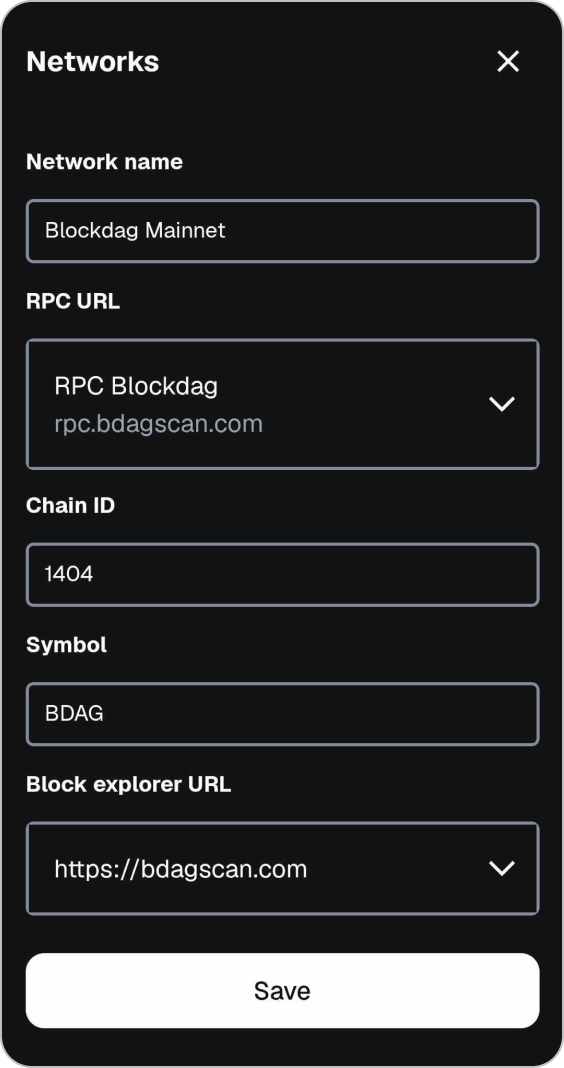
Step 9
Save Network
Click "Save" button.
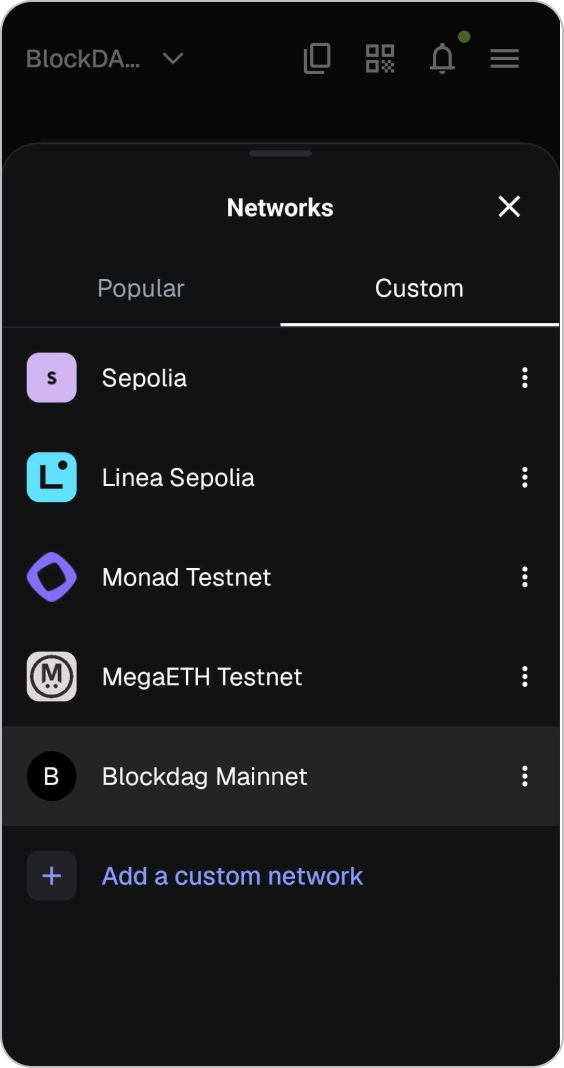
Step 10
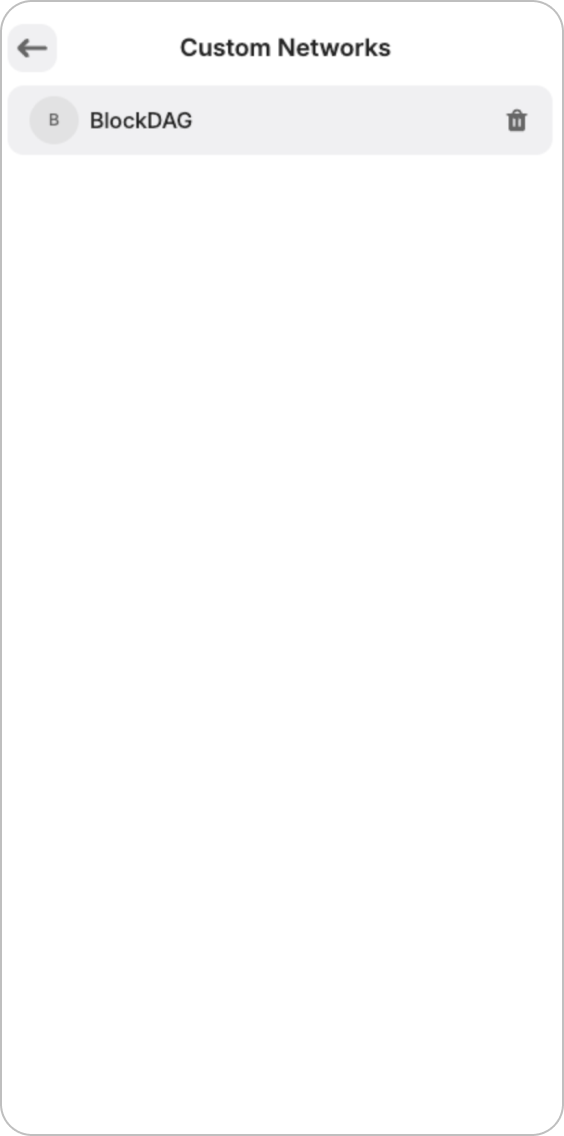
Blockdag Mainnet Loaded
You will see the BlockDAG Network loaded. Click X to close.
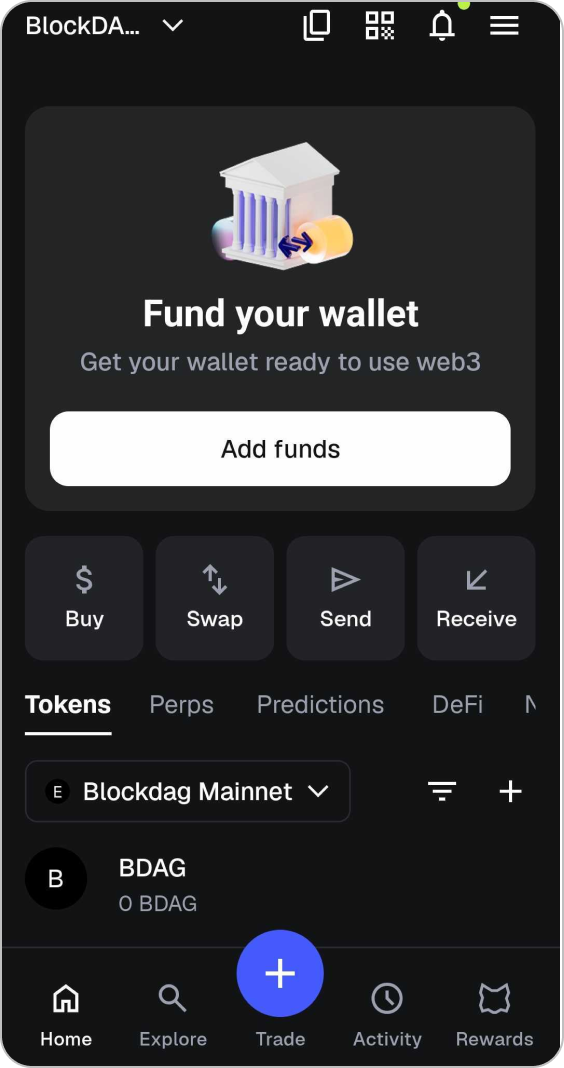
Step 11
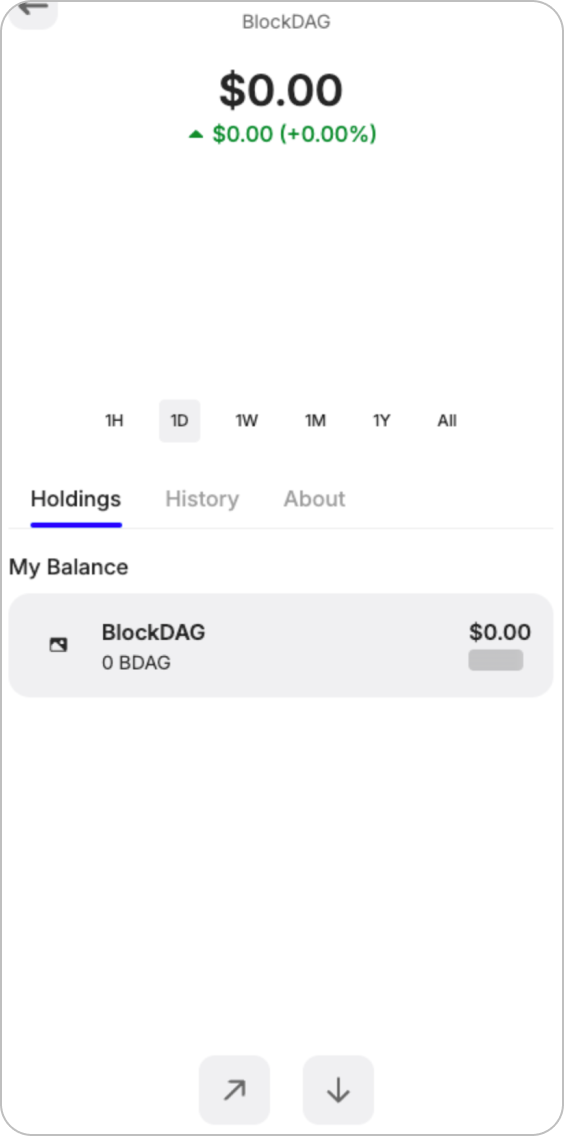
Fund your wallet
Click "Add Funds" on your BlockDAG Mainnet Network.
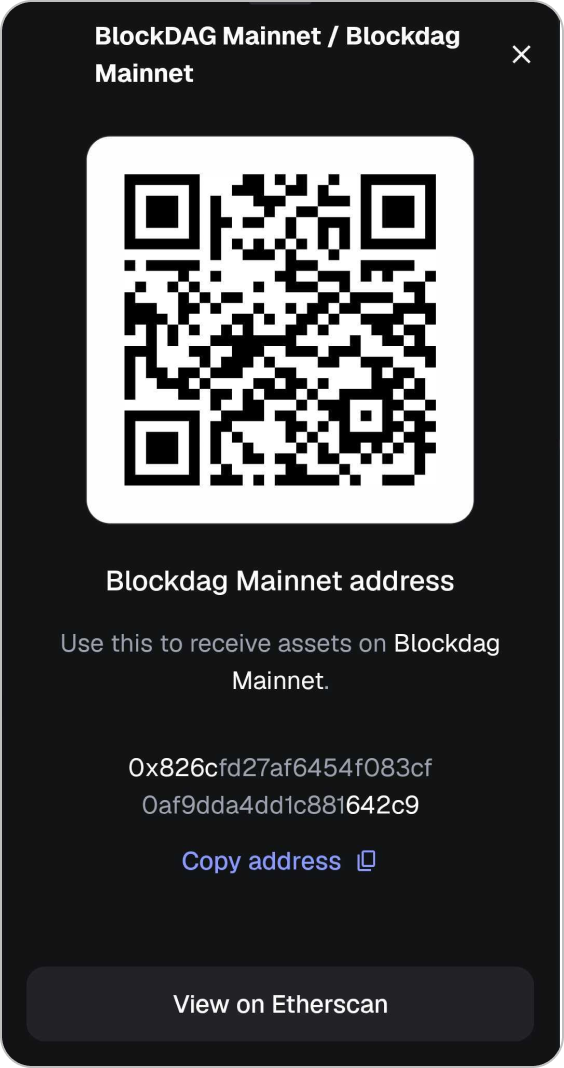
Step 12
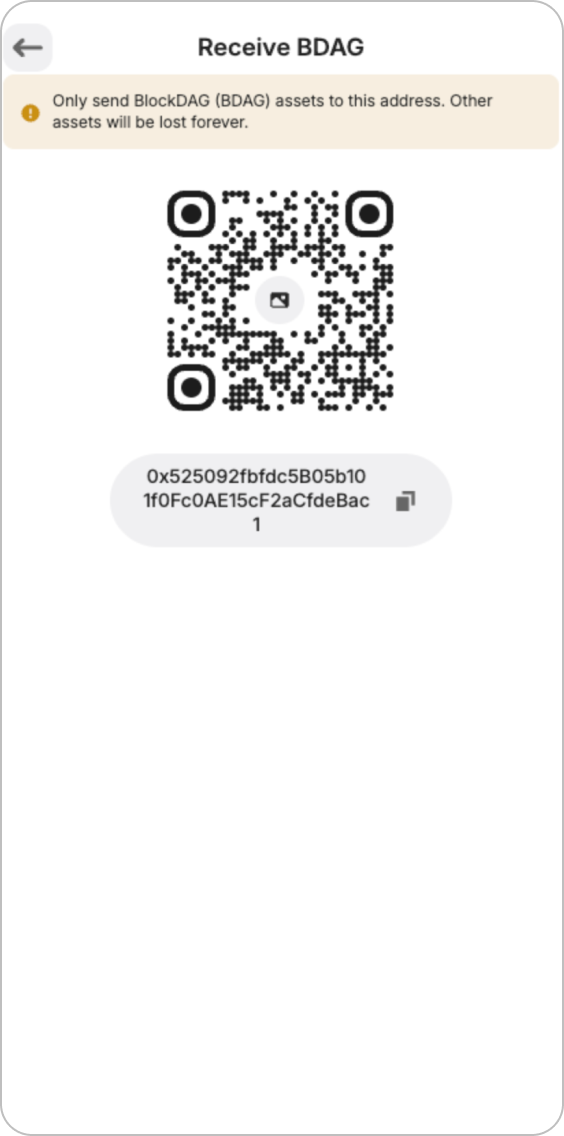
Receive Your BDAG
Click "Copy Address" and share it to receive BDAG.
Note: Make sure that the receiver uses BDAG to transfer funds.